QuickStall Free
Try your everyday selling workflow.
- Up to 3 products
- Track inventory for 1 product
- View a latest-5-order history preview
- Local backup and restore
 QuickStallFor Android
Billing · Inventory · Orders
Keep your shop moving. Record sales, track stock and find your orders from your Android phone.
Built for small shops, market stalls and kiosks. Core sales and inventory work offline on your Primary Billing Device. Start with Free, then explore Pro when you need more.
A look inside
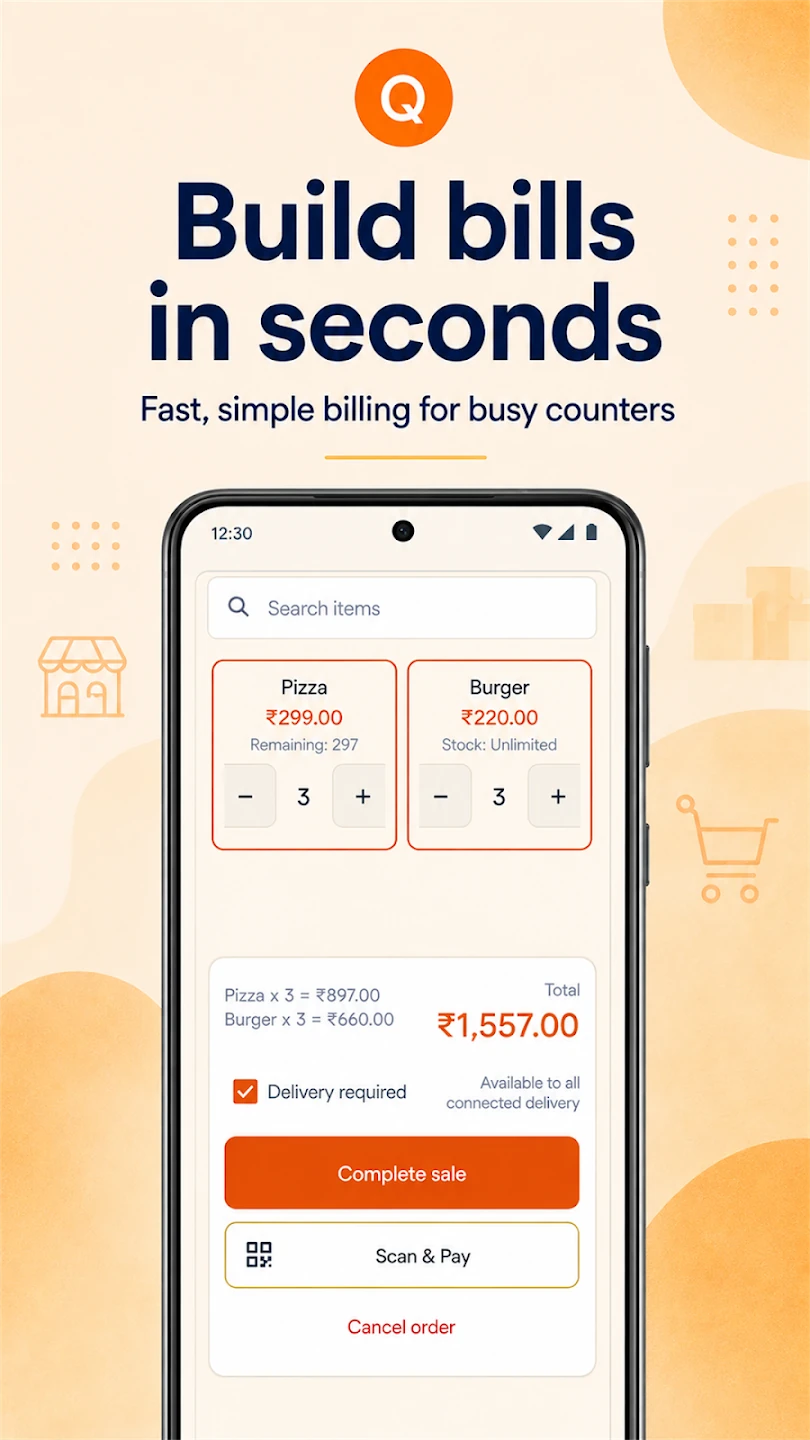
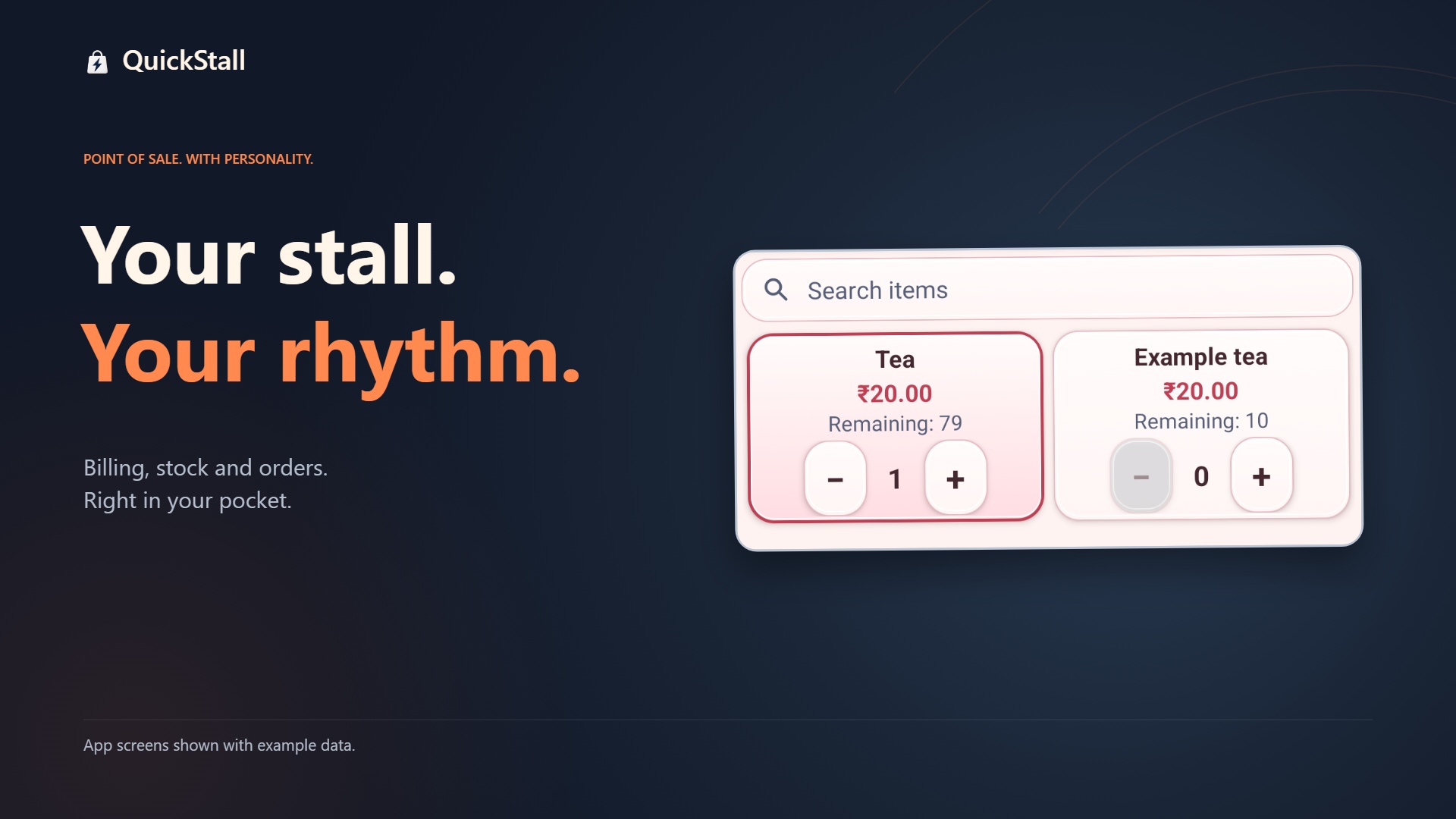
Choose products and quantities, then review the total before saving your sale.
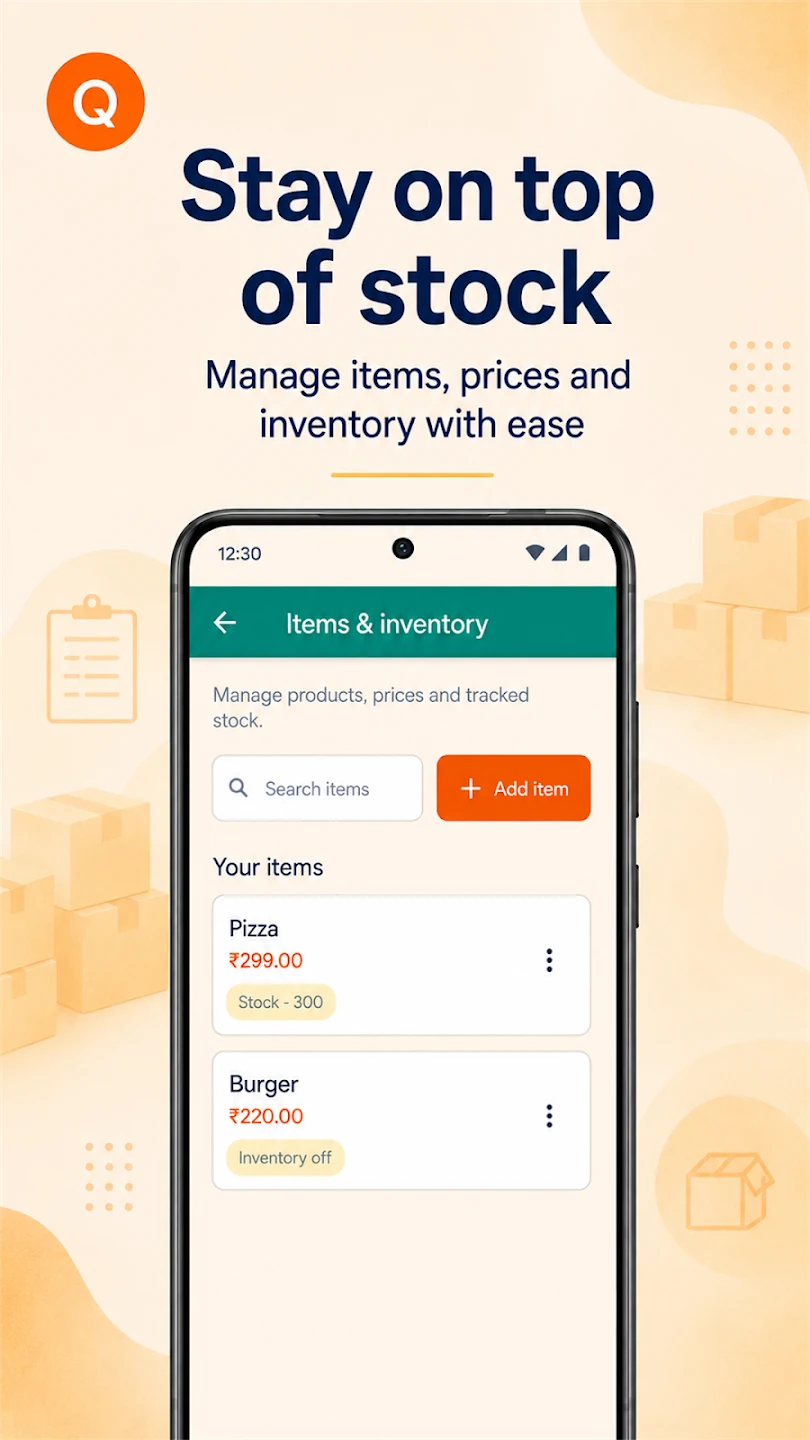
Manage products, prices and tracked quantities together, with low-stock indicators.
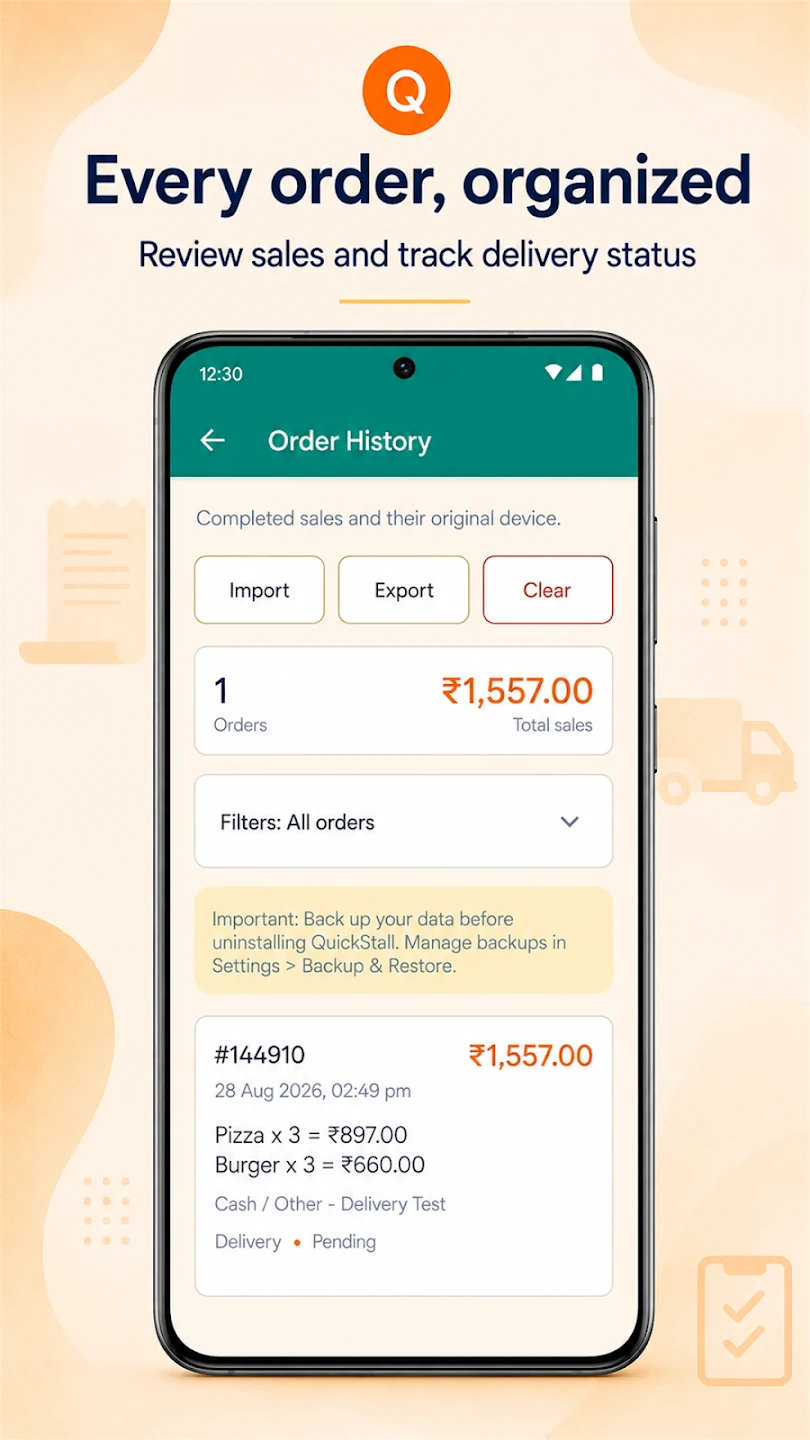
Review saved sales and their recorded payment and delivery status.
Screenshots use demonstration data. Tap an image for a closer look. Appearance can vary with your selected style; some features require Pro.
Your stall. Your rhythm.
Playing the demo loads YouTube, which processes viewing and device information under its Privacy Policy. Watch on YouTube instead.
Start small. Grow at your pace.
Try your everyday selling workflow.
More room for products and connected devices.
Pro offers monthly and annual subscriptions through Google Play, renewing automatically until cancelled. Google Play shows your price and any eligible 15-day trial before purchase. Existing verified lifetime purchases remain supported.
Secondary Billing Devices need a connection to the Primary to complete sales. Purchases, periodic paid-access verification, Drive backups and external payment services require internet. You confirm actual receipt of customer payments yourself.
Get QuickStall for AndroidQuickStall stores business records locally. It does not include advertising or analytics SDKs, and it does not operate its own cloud backup server.
When you choose to connect Google Drive, Google asks you to select an account and authorize access to QuickStall’s private application-data area. QuickStall uses this access to create, list, download and manage its own backups—not to browse your ordinary Drive files.
Backups may include products, inventory, orders, optional order references and business settings. Password-protected backups are encrypted by QuickStall before upload. Google-account-only backups rely on Google account access and Drive protections; they are not end-to-end encrypted by QuickStall.
Cloud-backup creation requires QuickStall Pro or a qualifying verified lifetime entitlement. Restoring an existing cloud backup remains available without Pro. Availability also depends on Google authorization and account policies.
Read the Privacy Policy for data handling and the Terms of Use for responsibilities, purchases and backup precautions.
Questions about QuickStall or your data? Email support.djapps@gmail.com.